Beautiful Messages
The Beautiful Message Builder lets Server Managers create polished, banner-styled announcement messages using a simple modal and preview system.
/beautiful-message
Fill out the modal:
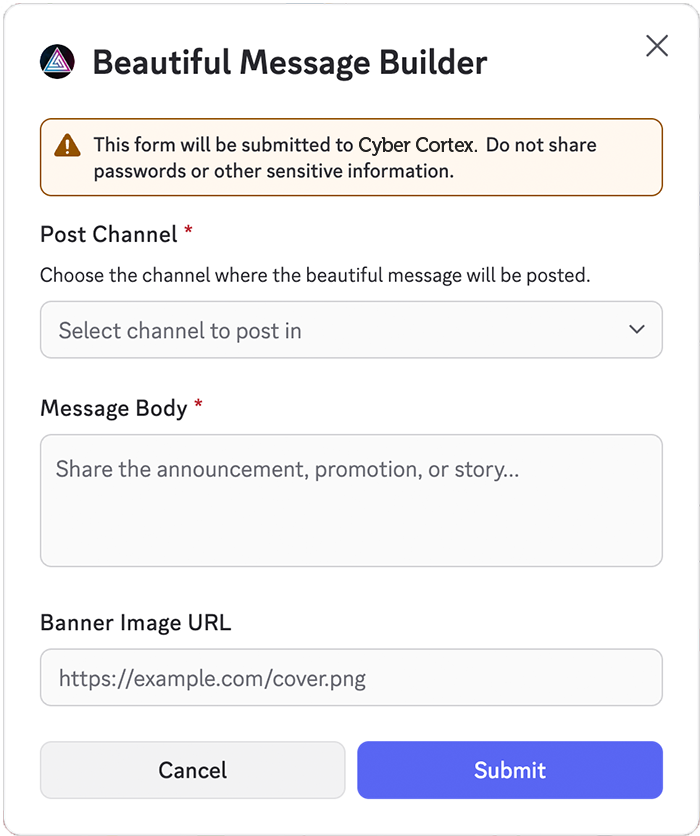
- Post Channel – where the message will be sent
- Message Body – required text (Markdown supported)
- Banner Image URL – optional header image
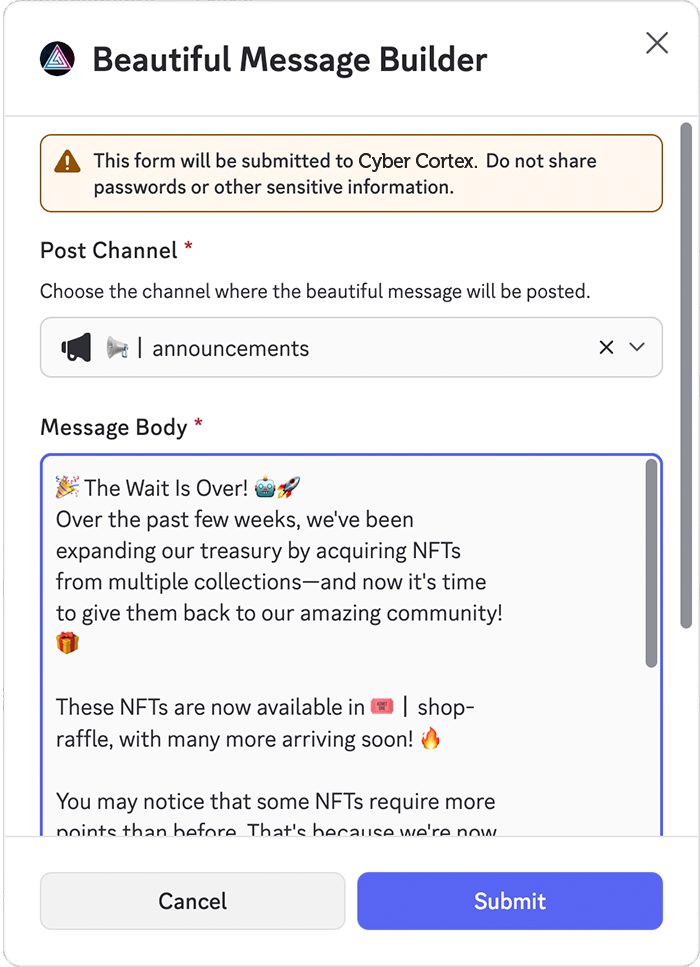
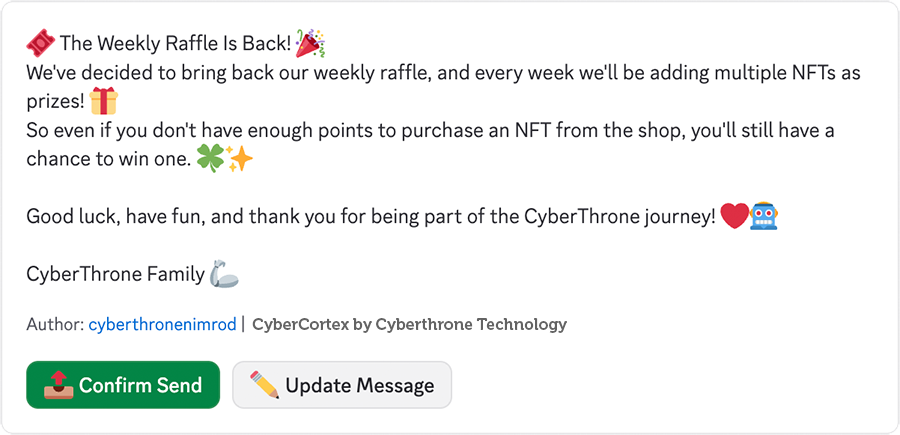
After submitting, you’ll receive an ephemeral preview showing exactly how the final message will look.
From the preview you can:
- Confirm Send – Publishes the final message to your selected channel
- Update Message – Reopen the modal with your previous values to edit and resubmit
Edit a Beautiful Message
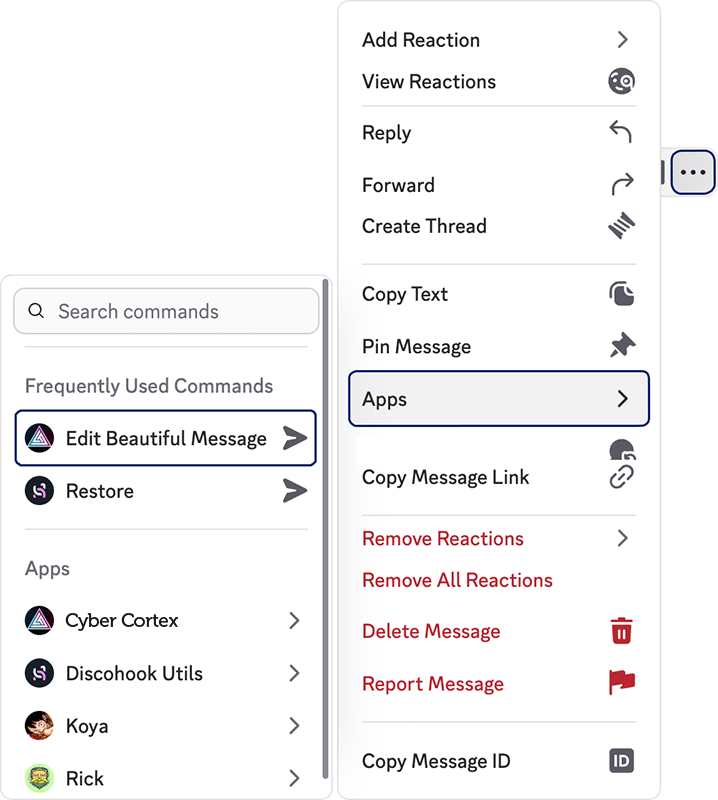
To edit, right-click an existing beautiful message, click Apps, and select Edit Beautiful Message.